 ReagentFlow
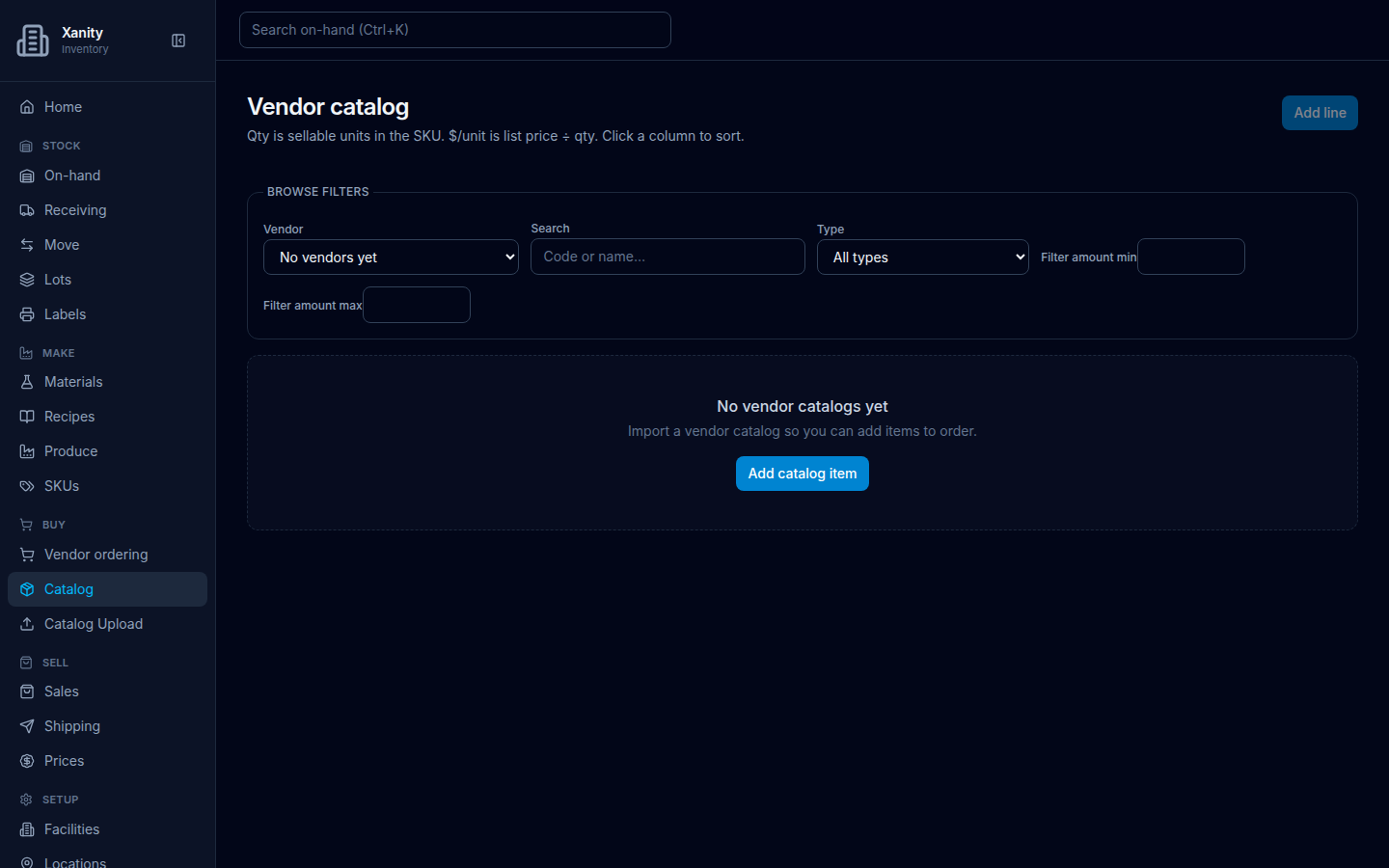
Empty catalog
Page title Vendor catalog. Description on screen: Qty is sellable units in the SKU. $/unit is list price ÷ qty. New SKUs are RAW; a quantity tracks Remaining. Click a column to sort.
What to do
- Open Buy → Catalog.
- Read No vendor catalogs yet / Import a vendor catalog so you can add items to order.
- Choose Add catalog item. That opens Catalog Upload.
Browse filters on the empty page are Vendor (No vendors yet), Search (placeholder Code or name…), Type (All types), Filter amount min, and Filter amount max.
What an upload creates
Catalog Upload explains: Load buy-items from a vendor catalog CSV or JSON. This updates the shared catalog for everyone in this company. New SKUs are RAW (not FINISHED) and get a short lookup code when a catalog name does not already match. When a row has unitAmount or kitSize, that SKU tracks Remaining with that unit count.
So uploaded items land as raw SKUs you can receive. Items with a kit size become multi-item kits.
Download the catalog
Download catalog JSON and Download catalog CSV (they read Downloading…) save the company catalog, including SKU descriptions and catalog photos. On failure: Catalog dump failed.