 ReagentFlow
Empty on-hand
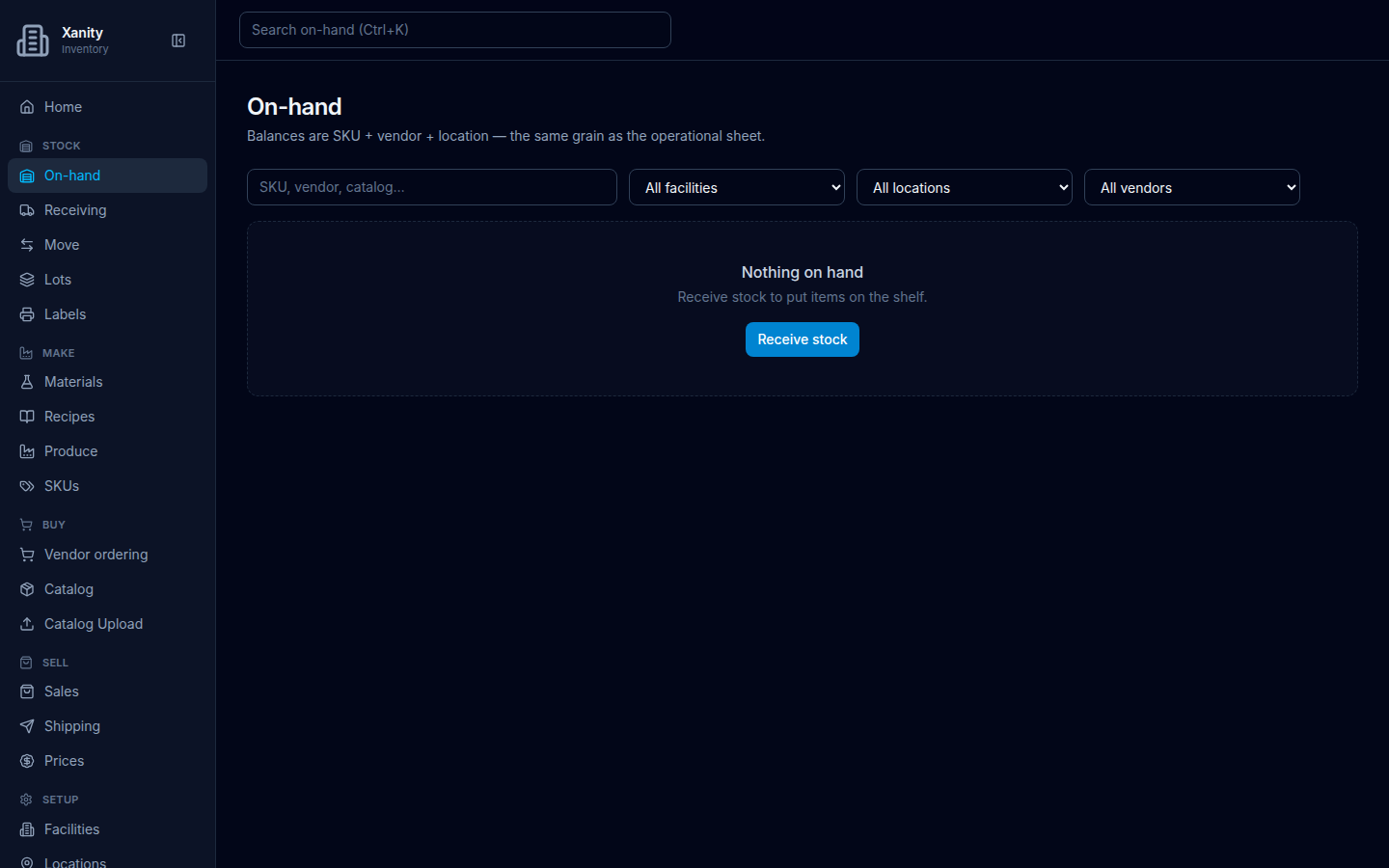
Page title On-hand. When nothing is on the shelf, the list is one sentence and one button — not an empty table.
What to do
- Open Stock → On-hand.
- Read Nothing on hand / Receive stock to put items on the shelf.
- Choose Receive stock. That opens Receiving.
Filters on the empty page stay SKU, vendor, catalog…, All facilities, All locations, and All vendors.
Daily work with balances (on shelf, held, available) is on On-hand.