 ReagentFlow
Company
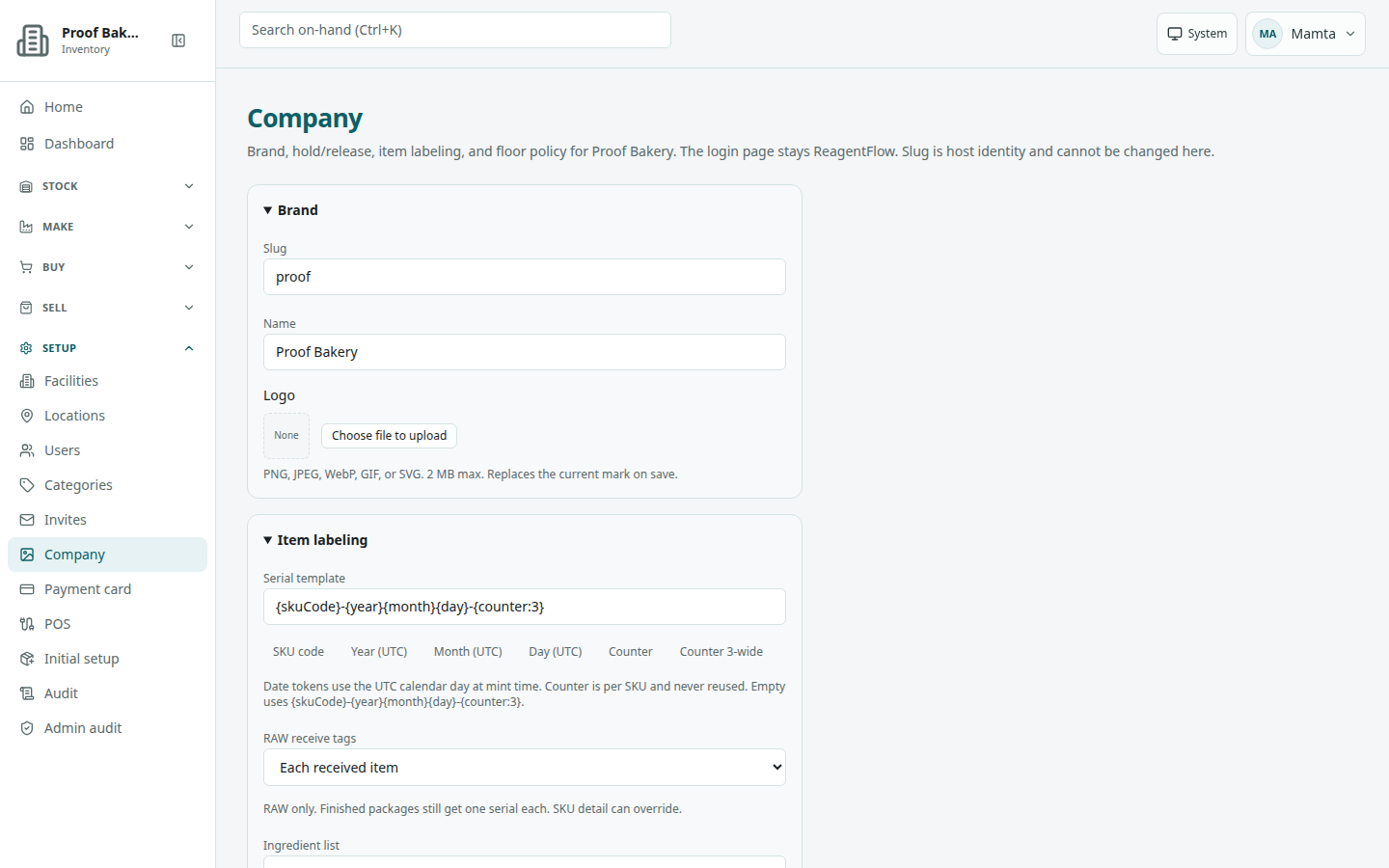
Page title Company. Description on screen: Brand, hold/release, item labeling, and floor policy for [company]. The login page stays ReagentFlow. Slug is host identity and cannot be changed here.
Brand: name and logo
- Open Setup → Company. The Brand box is open.
- Read Slug. It is read-only (it is the company’s address).
- Edit Name (required).
- To change the logo, drag an image onto the logo frame, or choose Choose file to upload. Help: PNG, JPEG, WebP, GIF, or SVG. 2 MB max. Replaces the current mark on save.
- To remove the logo, choose Remove logo. The page says Logo will be cleared on save.
- Choose Save (it reads Saving…).
Success: Company brand updated. The signed-in sidebar then shows the new name and logo. The login page still shows ReagentFlow. The logo web-address field is no longer on this page; upload a file instead.
A new company name is also sent to billing, so your billing account shows the same name. If billing cannot be reached, the save fails with Billing service is unavailable and nothing is changed; try again later.
If the company is suspended: This tenant is suspended (read-only). Reinstate it from Tenants before editing brand.
Item labeling
Serial template
The Serial template sets how new item codes (serials) are built. Type the template, or add pieces with the token buttons: SKU code, Year (UTC), Month (UTC), Day (UTC), Counter, and Counter 3-wide. Each button appends its token to the end of the field.
Help on screen: Date tokens use the UTC calendar day at mint time. Counter is per SKU and never reused. Empty uses {skuCode}-{year}{month}{day}-{counter:3}. A single SKU can override the template on its detail page (see SKUs).
RAW receive tags
Choose Each received item or One bulk tag for the whole quantity. Help: RAW only. Finished packages still get one serial each. SKU detail can override.
Ingredient list
Choose Cosmetic — first INCI name or Food — material name. This decides which name each material contributes to the ingredient list printed on item labels. Help: Cosmetic labels use the first INCI name. Food labels use the material name. A missing INCI is marked incomplete. This does not invent a name. Calculated calories are not a nutrition facts panel. INCI names and calories are entered on Materials.
Hold and release
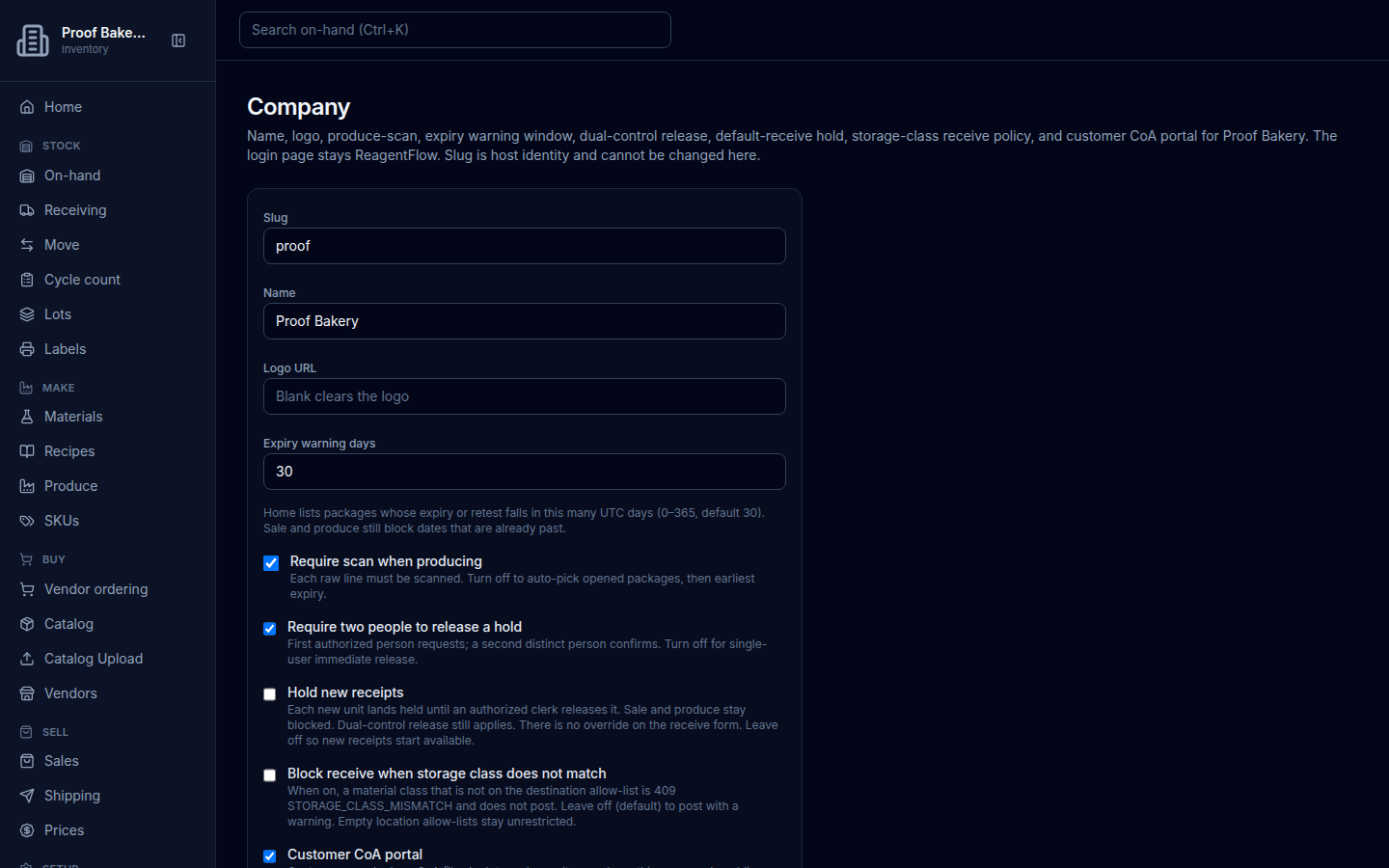
- Require two people to release a hold — First authorized person requests; a second distinct person confirms. Turn off for single-user immediate release.
- Hold new receipts — Each new unit lands held until an authorized clerk releases it. Sale and produce stay blocked. Dual-control release still applies. There is no override on the receive form. Leave off so new receipts start available.
Releasing held stock is done on Lots.
Floor policy
- Expiry warning days — Home lists packages whose expiry or retest falls in this many UTC days (0–365, default 30). Sale and produce still block dates that are already past.
- Require scan when producing — Each raw line must be scanned. Turn off to auto-pick opened packages, then earliest expiry.
- Block receive when storage class does not match — when on, a receipt whose material storage class is not allowed at the destination location is refused and does not post. When off (the default), the receipt posts with a warning. Locations with no allow-list accept any class.
- Customer CoA portal — Customers can look up CoA files by lot number or item code on this company’s public page (/coa or /l/item-code). Uncheck to turn it off. Lookups then return 404. Each download is audited. See Customer CoA portal.
Spent-package retention
This group decides how long used-up (spent) packages stay on history lists. Only ADMIN and GLOBAL_ADMIN can change it.
- Tier 1 — drop off when spent — Spent packages drop off available lists as soon as they are spent. No post-dispersal retention.
- Tier 2 — keep history 1–3 years — Spent packages stay on history lists until that window ends, then drop off. No extra yearly fee. Seat price is unchanged. Then pick Retention years (1 year, 2 years, or 3 years; the empty choice reads Select years).
Choose Save after changing any setting.