 ReagentFlow
Dashboard
Page title Dashboard. A quick look at how much stock your company holds and what it has been billed for tracked items this month. Description on screen: [company]’s on-hand inventory and running item bill.
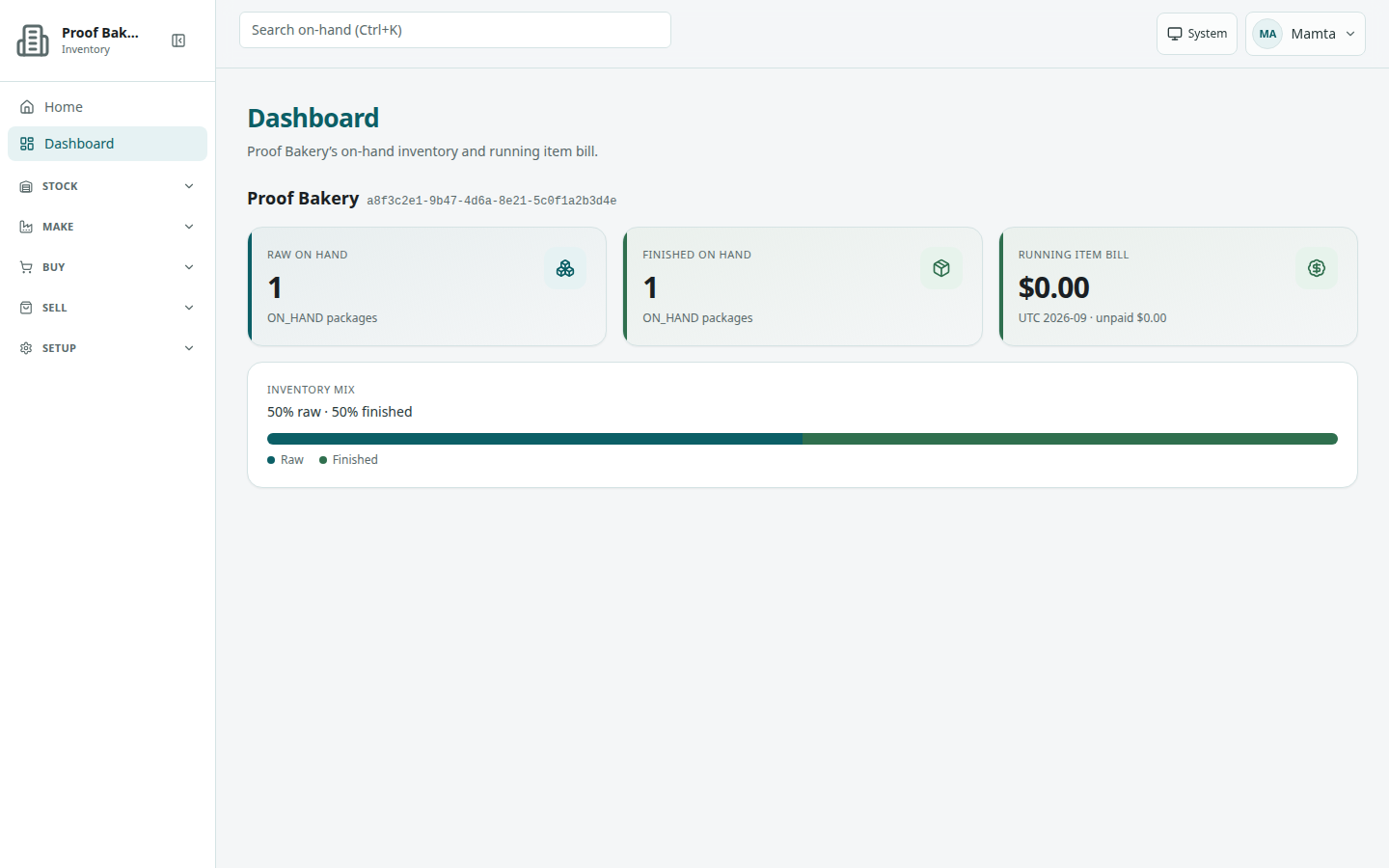
/dashboard).Read the inventory tiles
The top section shows your company name and three tiles:
- Raw on hand — count of raw packages on hand (hint ON_HAND packages).
- Finished on hand — count of finished packages on hand (hint ON_HAND packages).
- Running item bill — item charges for the current UTC month. The hint shows UTC [month] · unpaid [amount]. When billing cannot be reached the tile shows a dash and Billing is unreachable right now.
Below the tiles, Inventory mix shows [n]% raw · [n]% finished as a bar, or No on-hand packages yet.
Seats are billed separately; see Seats and payment card.
System section (operators)
People with GLOBAL_ADMIN or DASHBOARD also see a System section with a busyness badge and As of [time]. It shows activity across all companies: Tenants · last minute, Tenants · last hour, Tenants · last day (Rolling 24 hours), Items created today (UTC calendar day), Peak create TPS, and a Sibling services list with a status badge for each service (or No sibling probes configured).