 ReagentFlow
Customer CoA portal
Public page title area shows ReagentFlow and CoA files. Customers look up attached CoA files by lot or item — no on-hand, no other lots.
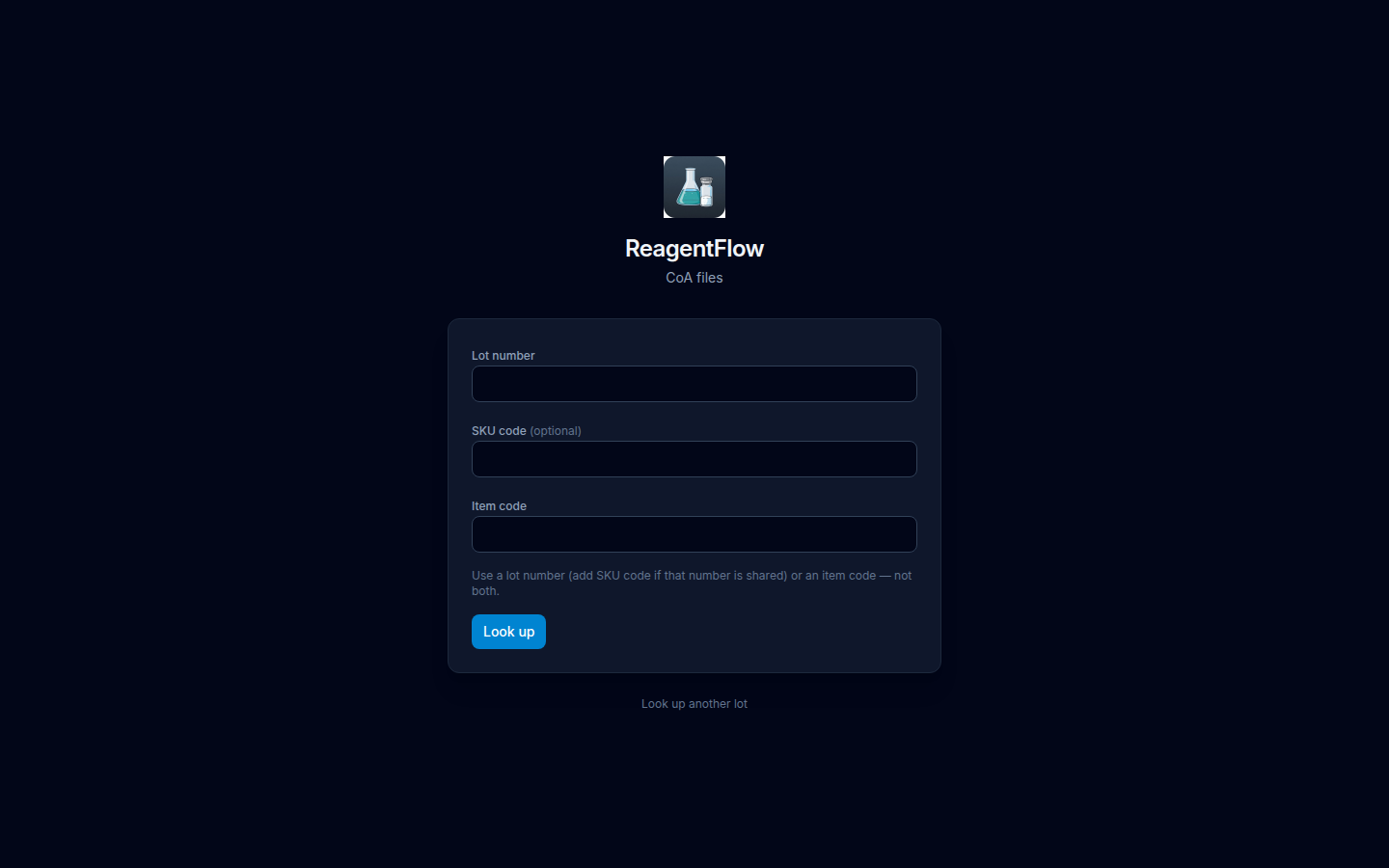
/coa. Fields: Lot number, SKU code (optional), and Item code.Look up CoA files
- Open the company’s public CoA page (
/coa, or/l/item-codefor a specific item). - Enter a Lot number (add SKU code (optional) if that number is shared) or an Item code — not both. Helper copy: Use a lot number (add SKU code if that number is shared) or an item code — not both.
- Choose Look up.
When files exist, the page lists them for download. Empty result title: No CoA files with description No CoA files are attached to this lot. A miss can show This lot is not available. Use Look up another lot to search again.