 ReagentFlow
Admin audit
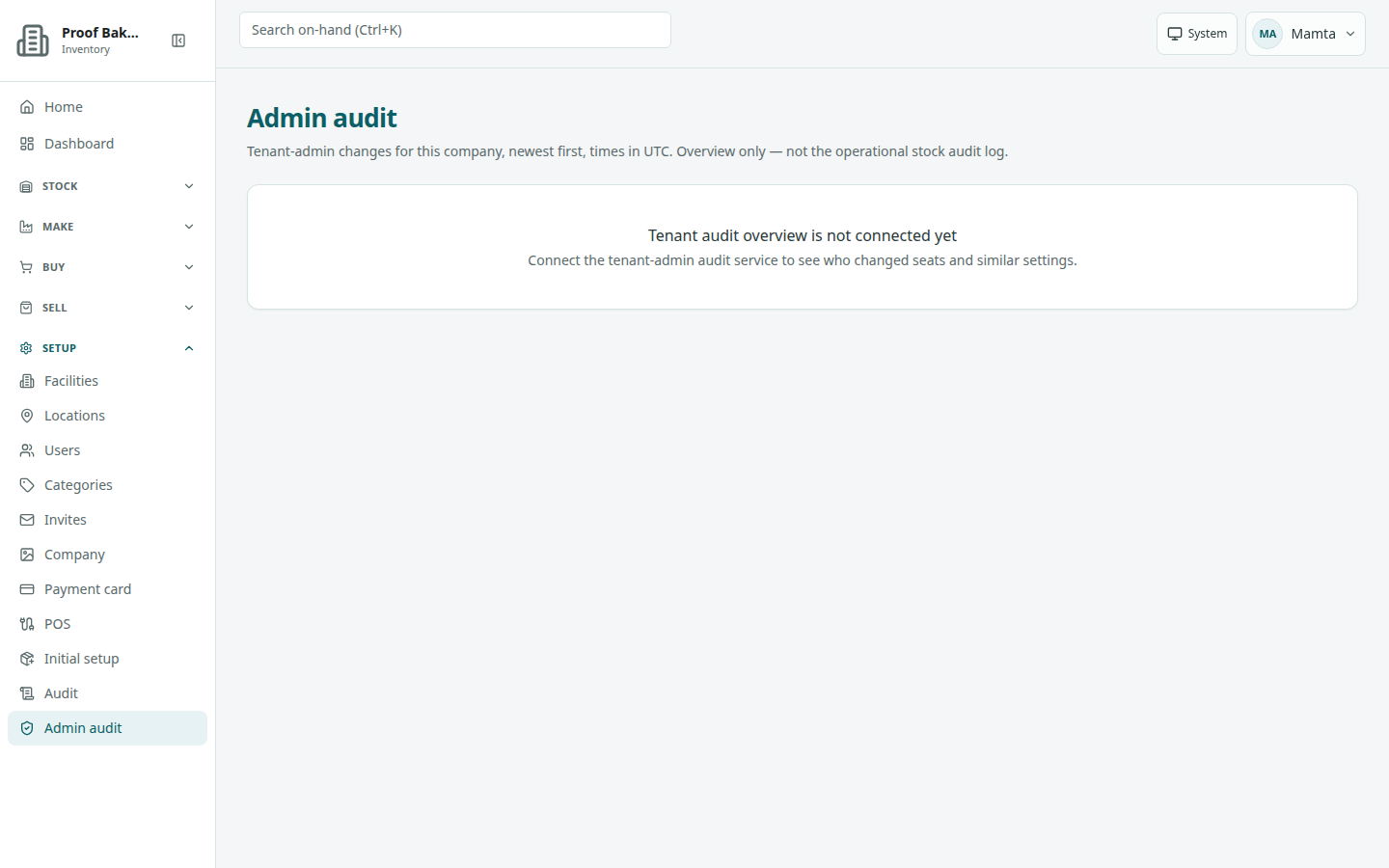
Page title Admin audit. See who changed seats and other company-admin settings. Description on screen: Tenant-admin changes for this company, newest first, times in UTC. Overview only — not the operational stock audit log.
Read the overview
- Open Setup → Admin audit. It reads Loading tenant audit… while it loads.
- Read the table labeled Tenant audit overview. Newest changes are at the top.
Columns:
- When (UTC) — time of the change, in UTC.
- Actor — who made the change.
- Action — what happened.
- Changes — one line per changed value, or a dash.
The page is read-only.
Other states
- No tenant audit events / Seat and tenant-admin changes will appear here.
- Tenant audit overview is not connected yet / Connect the tenant-admin audit service to see who changed seats and similar settings. — the overview is not switched on for this installation.
- Tenant audit overview is not available / This session has no tenant id, so the overview cannot be loaded. — for example, you are not working in a company.
Related: Seats and payment card, Users.