 ReagentFlow
Roles
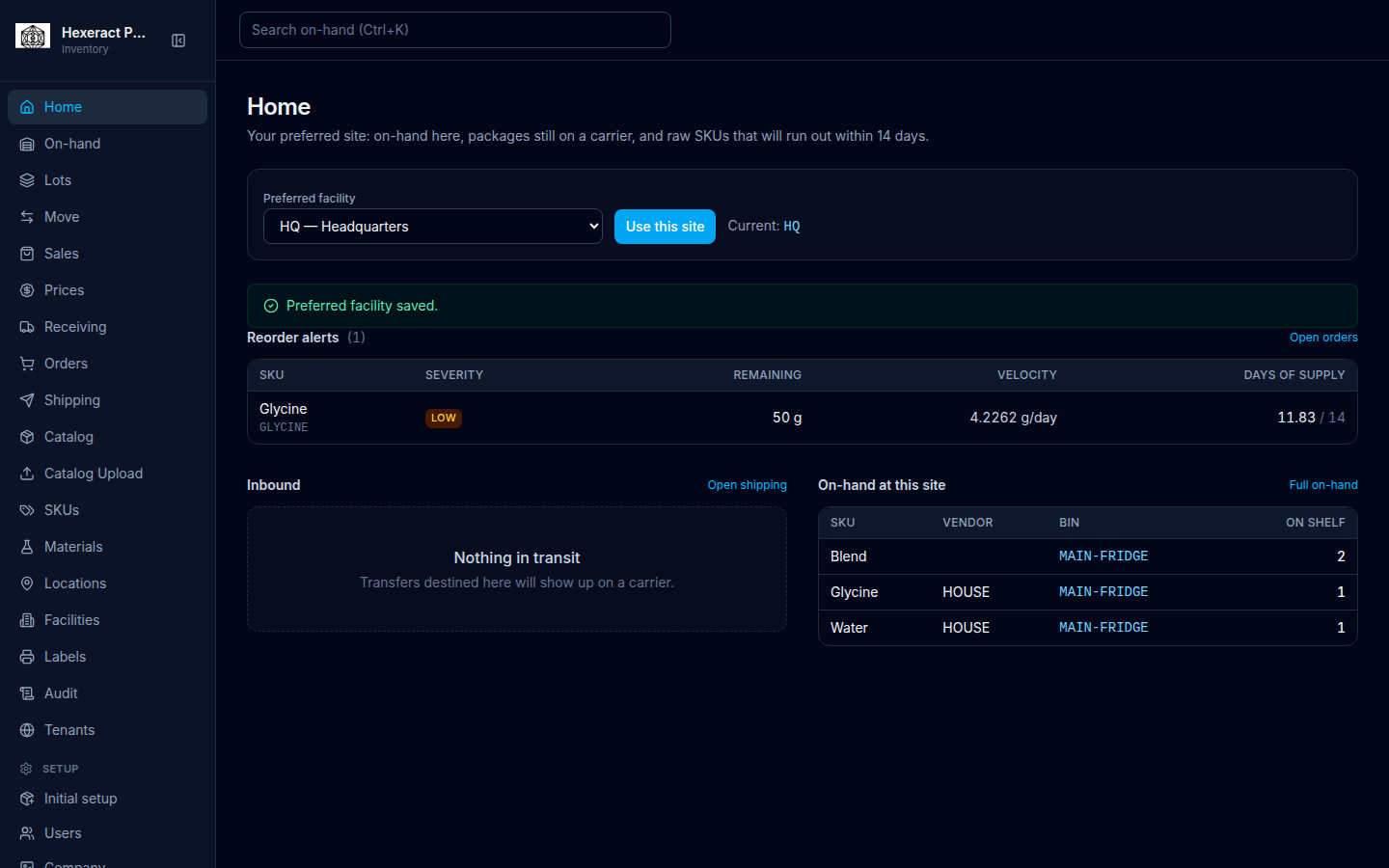
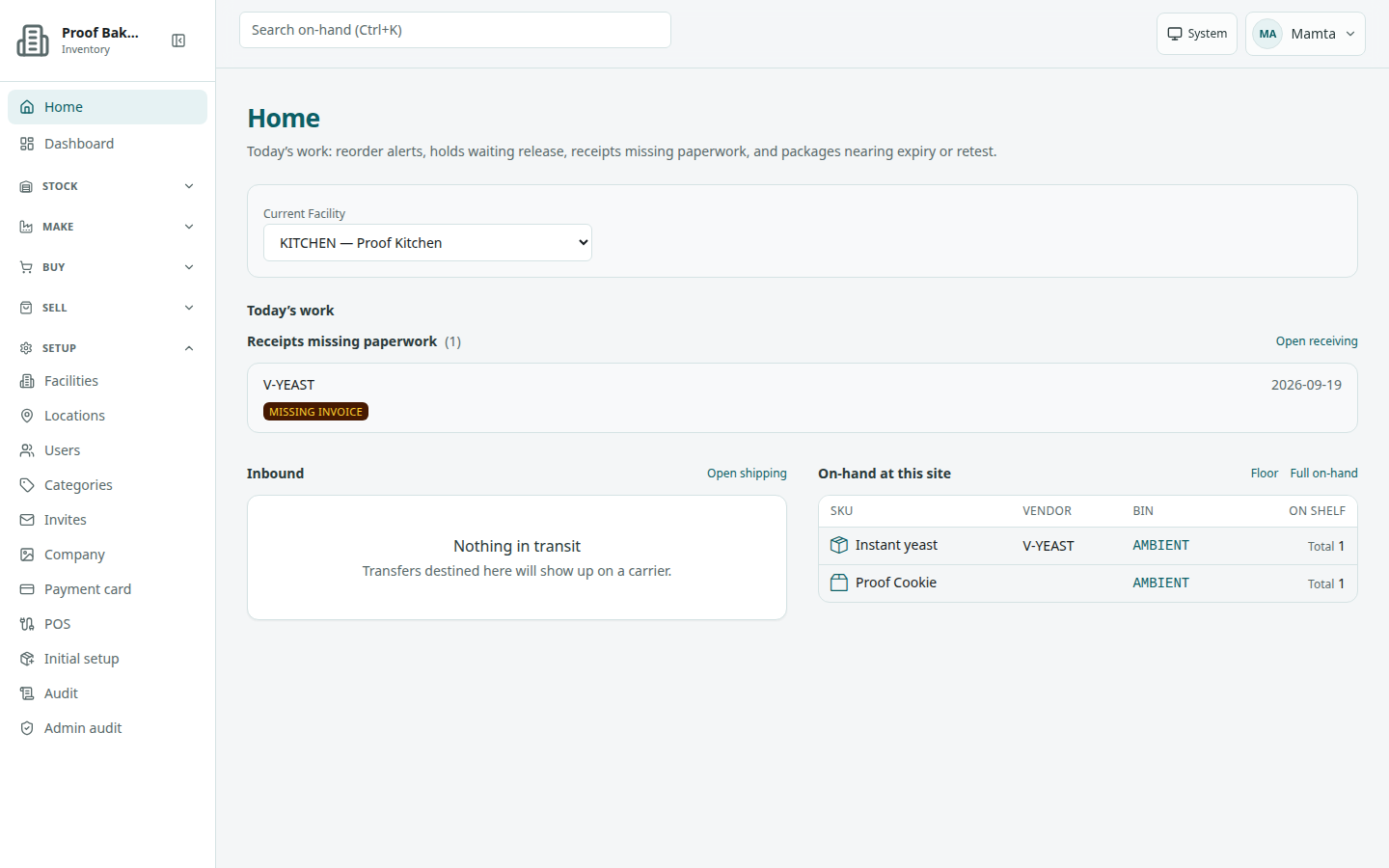
The app hides sidebar items you cannot use. Role names below are the identifiers the UI shows on Setup → Users, in badges, and in permission copy.
Kinds of access
GLOBAL_ADMIN
Runs companies across the product: Admin → Tenants and (when publishing is on) Pack review, plus Setup → Company, Invites, and Payment card. A person with only this role lands on Tenants after sign-in.
DASHBOARD
Sees the Admin group and the operator System section on Dashboard. A person with only this role lands on Dashboard.
Company (tenant) roles
These use a paid seat: ADMIN INVENTORY_CLERK PURCHASING RECEIVING SALES. Every account also carries the base VIEWER role. See Seats and payment card.
Viewer (no seat, free)
An admin can add someone as Viewer (no seat, free) on Users. They see only Sales items and their profile, and do not use a seat. Access is deny-by-default: the server refuses anything outside the sales item list, their sign-in details, and the Terms.
Where you land after sign-in
Every role first accepts the current Terms (see Accept the Terms). Then:
- Seat-free Viewer → Sales items.
- Only DASHBOARD → Dashboard.
- Only GLOBAL_ADMIN → Tenants (not when you signed in through a corporate SSO page).
- SALES without a site or purchasing role → Sales.
- PURCHASING without a site role → Catalog.
- Everyone else → Home.
Which sidebar items each role can open
“Everyone with a seat” means the item has no extra role gate. Labels use Group → item where the destination lives in a group.
| Sidebar label | Who sees it |
|---|---|
| Home | Everyone with a seat |
| Dashboard | Everyone with a seat |
| Stock → On-hand | Everyone with a seat |
| Stock → Receiving | ADMIN, RECEIVING, INVENTORY_CLERK |
| Stock → Move | ADMIN, INVENTORY_CLERK, RECEIVING |
| Stock → Cycle count | ADMIN, INVENTORY_CLERK |
| Stock → Lots | Everyone with a seat (hold/release is a narrower set — see Lots) |
| Stock → Labels | ADMIN, INVENTORY_CLERK, RECEIVING, SALES |
| Make → Materials | Everyone with a seat |
| Make → Recipes | Everyone with a seat |
| Make → Produce | ADMIN, INVENTORY_CLERK |
| Make → SKUs | Everyone with a seat |
| Buy → Vendor ordering | ADMIN, PURCHASING, INVENTORY_CLERK |
| Buy → Catalog | Everyone with a seat |
| Buy → Catalog Upload | ADMIN, PURCHASING |
| Buy → Vendors | ADMIN, PURCHASING |
| Sell → Sales | ADMIN, SALES, INVENTORY_CLERK |
| Sell → Floor | ADMIN, SALES, INVENTORY_CLERK, VIEWER |
| Sell → Shipping | ADMIN, INVENTORY_CLERK, RECEIVING |
| Sell → Prices | ADMIN, SALES, INVENTORY_CLERK |
| Setup → Facilities | Everyone with a seat |
| Setup → Locations | Everyone with a seat |
| Setup → Users | ADMIN |
| Setup → Categories | ADMIN |
| Setup → Invites | ADMIN, GLOBAL_ADMIN |
| Setup → Company | ADMIN, GLOBAL_ADMIN |
| Setup → Payment card | ADMIN, GLOBAL_ADMIN |
| Setup → POS | ADMIN |
| Setup → Initial setup | ADMIN, INVENTORY_CLERK |
| Setup → Audit | ADMIN, INVENTORY_CLERK |
| Setup → Admin audit | ADMIN |
| Admin → Tenants | GLOBAL_ADMIN (the Admin group is shown to GLOBAL_ADMIN and DASHBOARD) |
| Admin → Pack review | GLOBAL_ADMIN, only when public pack publishing is turned on |
| Sales items | Only seat-free Viewers (their only sidebar item) |
If you open a page you are not allowed to use, the shell shows: You don’t have permission to use this page. A seat-free Viewer sees Not available for Viewer instead.
Someone with a seat but no company roles beyond VIEWER can look at Home, Dashboard, Stock → On-hand / Lots, Make → Materials / Recipes / SKUs, Buy → Catalog, Sell → Floor, and Setup → Facilities / Locations. Signing in still needs a seat or a seat-free Viewer account — see Sign in.