 ReagentFlow
Empty lots
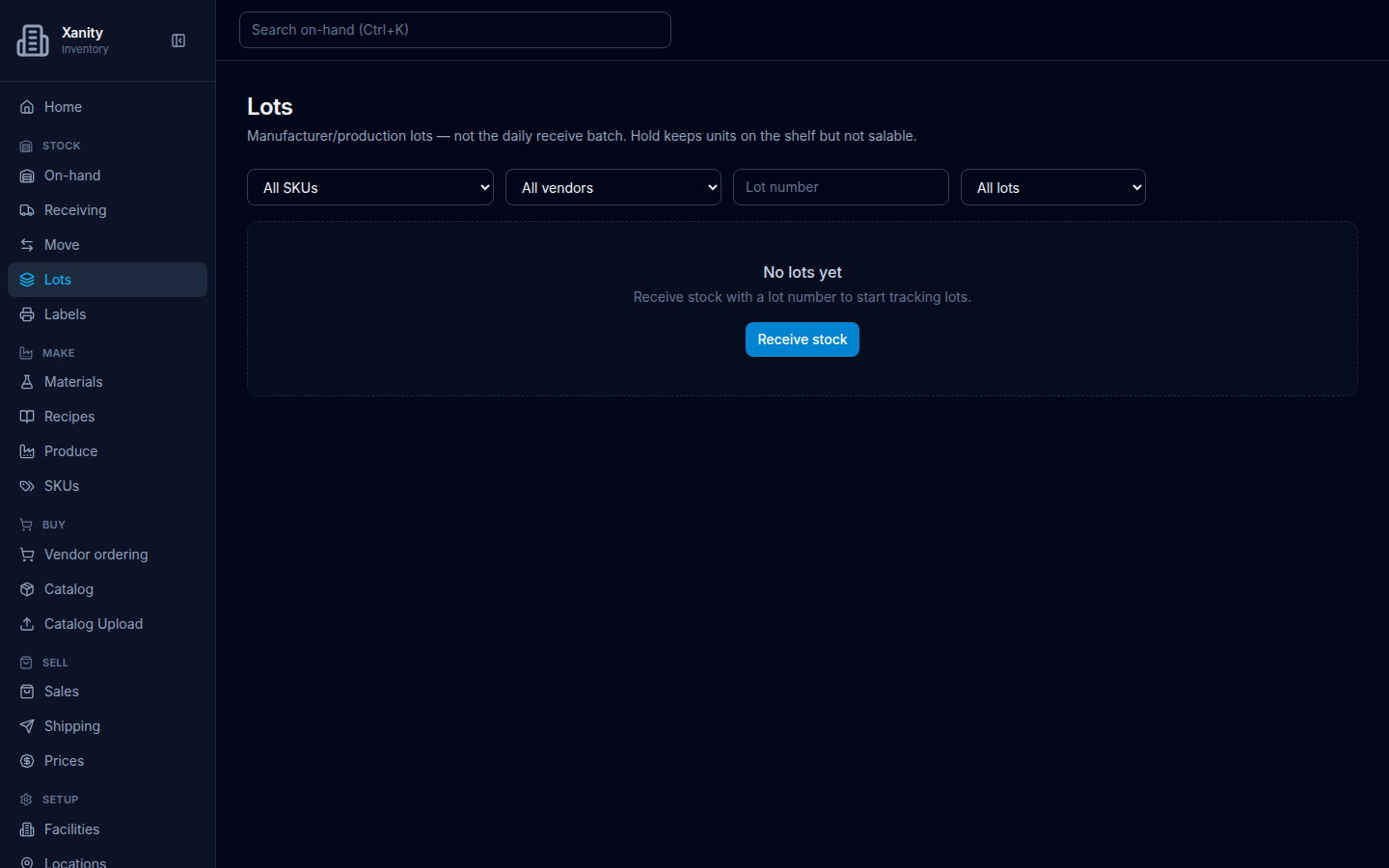
Page title Lots. Description on screen: Manufacturer/production lots — not the daily receive batch. Hold keeps units on the shelf but not salable.
What to do
- Open Stock → Lots.
- Read No lots yet / Receive stock with a lot number to start tracking lots.
- Choose Receive stock. That opens Receiving. Put a lot number on the receipt if you want a row here.
Hold and release, once lots exist, are on Lots.