 ReagentFlow
Empty invites
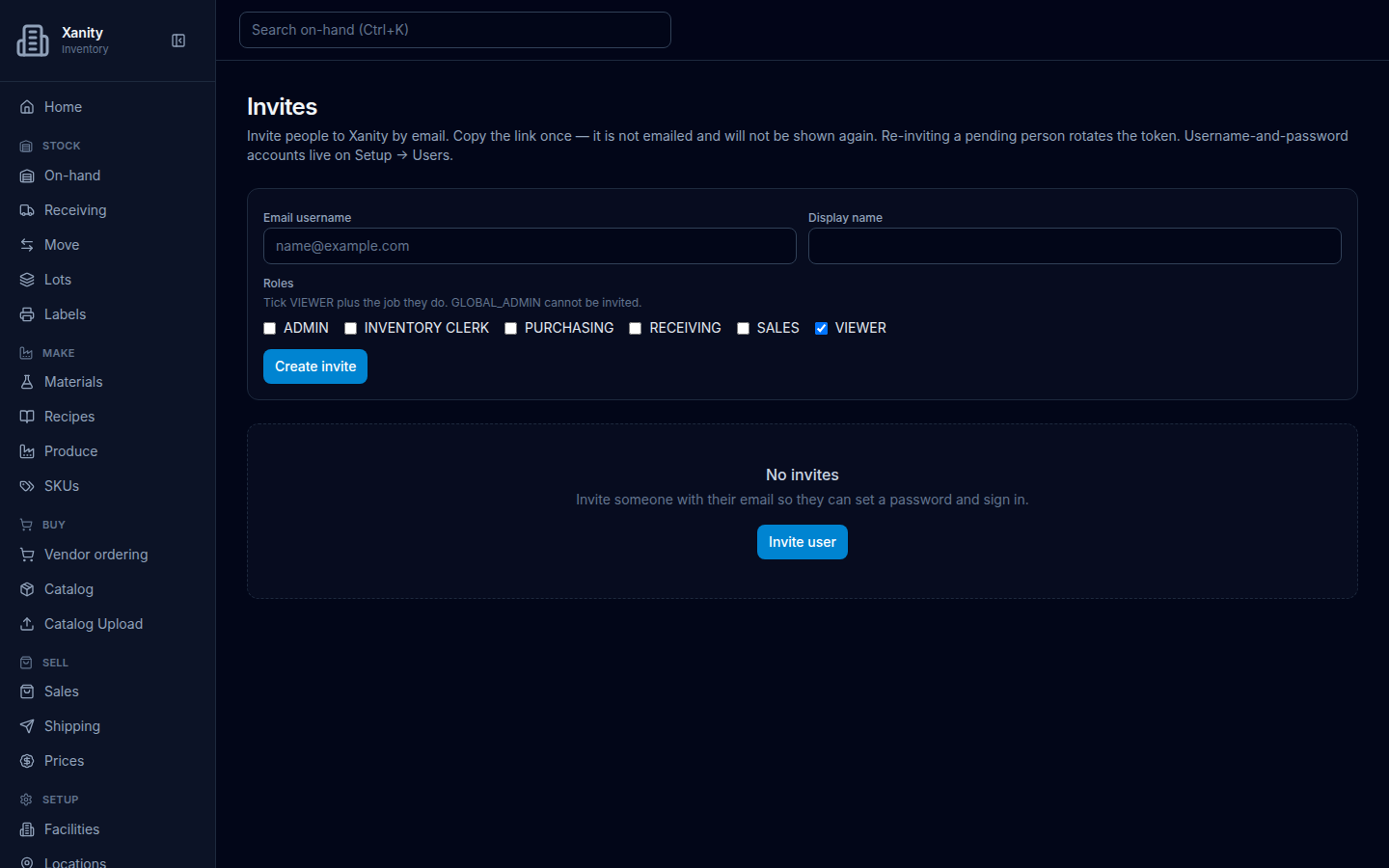
Page title Invites. When nobody has been invited yet, the list under the create form is one sentence and one button.
What to do
- Open Setup → Invites.
- Read No invites / Invite someone with their email so they can set a password and sign in.
- Choose Invite user, then fill Email username and Display name, tick roles, pick a Seat plan when the roles need a seat, and choose Create invite.
Creating and accepting invites (copy the accept URL once, public /invite page) is on Invites. The form in this earlier screenshot predates the Seat plan field.